
nanoCAD
Engineering Ecosystem

nanoCAD Pro
2D drawings and 3D solid models with 2D and 3D parametric constraints, and dynamic UCS for effortless sketching on 3D faces.
Documentation drawings link to 3D models. Fully DWG compatible.
Includes:
nanoCAD Mechanica
Mechanical drawings made of gears, shafts, and springs designed with built-in calculators based on ISO and other standards.
Create and edit 2D and 3D drawings with 2D/3D constraints.
Documentation drawings link to 3D models. Reads IDF data from ECAD systems.
Includes:
nanoCAD Construction
Construction drawings made on predrawn outlined borders and title blocks with thousands of parametric symbols and objects adhering to ISO, DIN, and other standards.
Data can be driven from SQL databases.
Includes:
OR
nanoCAD!
Platform
All Modules:
Mechanica
Topoplan
Raster
nanoCAD Across Industries


nanoCAD For Everyone


is the right choice
for you!
Because...
It is an All-inclusive CAD Platform
It is a Native DWG Editor
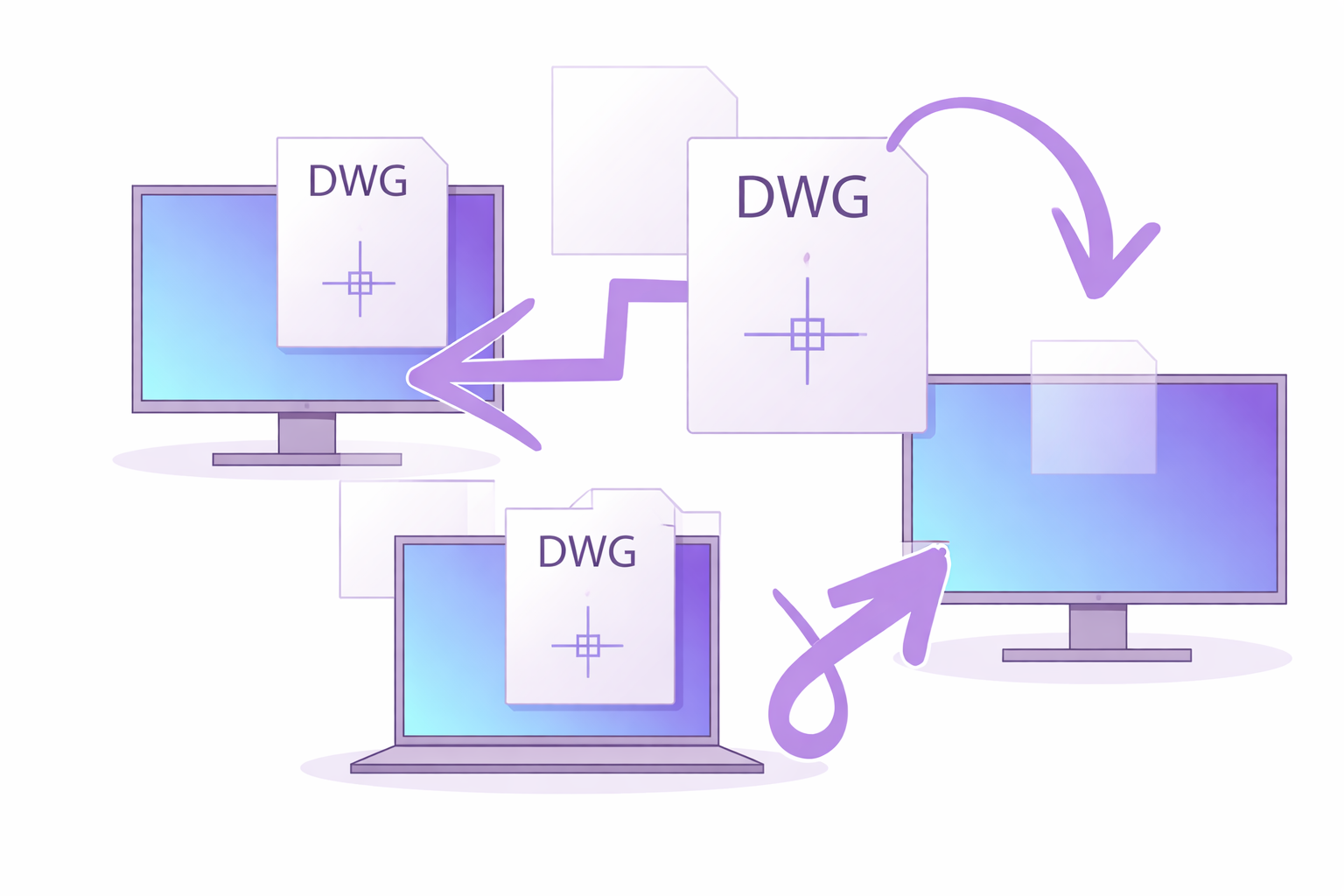
nanoCAD runs in the industry’s standard DWG format. It’s the same one other CAD systems are based on, such as AutoCAD. nanoCAD was in fact designed from the very beginning to use DWG natively - no translation or conversion needed. Nanosoft is an Open Design Alliance Member. nanoCAD even supports complex DWG objects, like 3D point clouds and IFC models.
It has an Open API for Developers
nanoCAD offers an AutoCAD-compatible programming platform at no cost. Thus gives the possibility to accustom and develop CAD applications according to one's needs. Feel free to integrate calculations, automate design activities and link drawings with external databases. Run already created add-ins from other members of our developers’ club. nanoCAD’s API interface supports the following programming languages and technologies: C, C++, C#, COM, .NET, LISP, VBscript, JavaScript, and command scripting.

It has a Familiar user Interface


It has Annual Updates
Every year a new version is coming. The new nanoCAD 26 release is full of new ways to create, compare and communicate. Five optional modules 3D Solid Modeling, Construction, Mechanica, Raster, Topoplan expands nanoCAD 26 functionality. Create with 3D Solid Modeling module using 2D and 3D parametric constraints to turn parts into assemblies. Edit scanned drawings and convert them to CAD with Raster module. Planning earthworks is easy with Topoplan module.
It has Great technical Support
nanoCAD users with valid subscriptions are entitled to technical support during the use of the software, provided via email and help-desk. Free support is provided by nanoCAD's community through the Nanosoft forum. Nanosoft professionals and partners are also part of the community.

And...
Compare products
The comparison chart will help you make the right decision
nanoCAD is really Cost Effective
First, see yourself how effective the platform is with 30-day free trial. Next, start with an annual subscription to ensure smooth integration into your current processes. Finally, upgrade to a 3-year subscription to make your licenses permanent and have free access to technical support and all the upgrades during that time. You'll find that nanoCAD is far easier on your budget than any other DWG editor.
We have a comparison chart to help you make the right decision.
The most popular CAD a similar toolkit
1995€*
nanoCAD Pro a similar toolkit
399€*
* currency; prices accurate at time of writing.